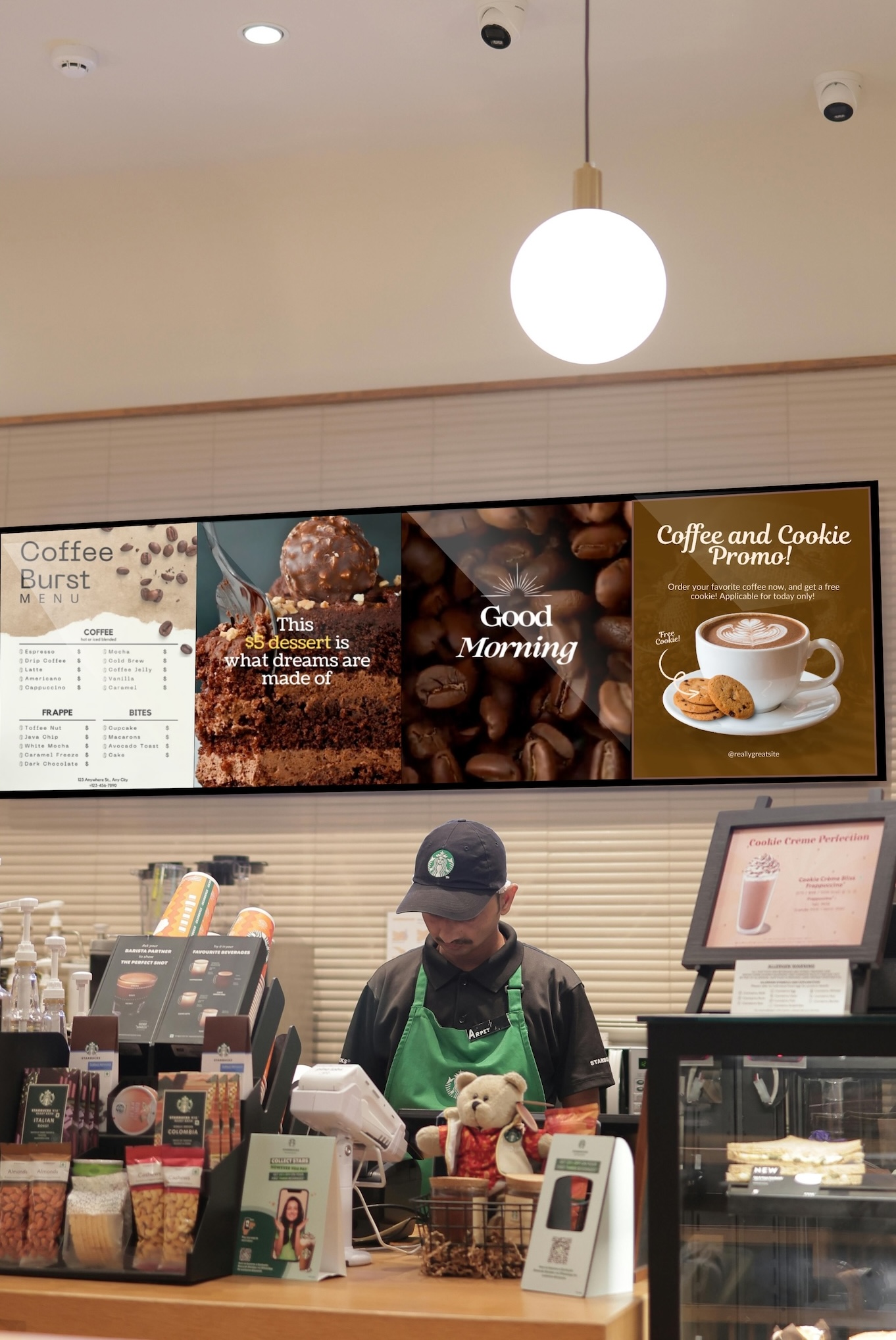
- Installing Buzzblender Digital Signage on Your Samsung TV (TIZEN)
 If you are using a Samsung TV (Tizen OS), download the app from Samsung Content Store. Search for “Buzzblender“. If you are using Samsung Signage Display (SSSP), refer to this guide. Or please contact us at support@buzzblender.com and we will help you install the app.
 - 🔄 How to Update Your Device for the Best Buzzblender Experience
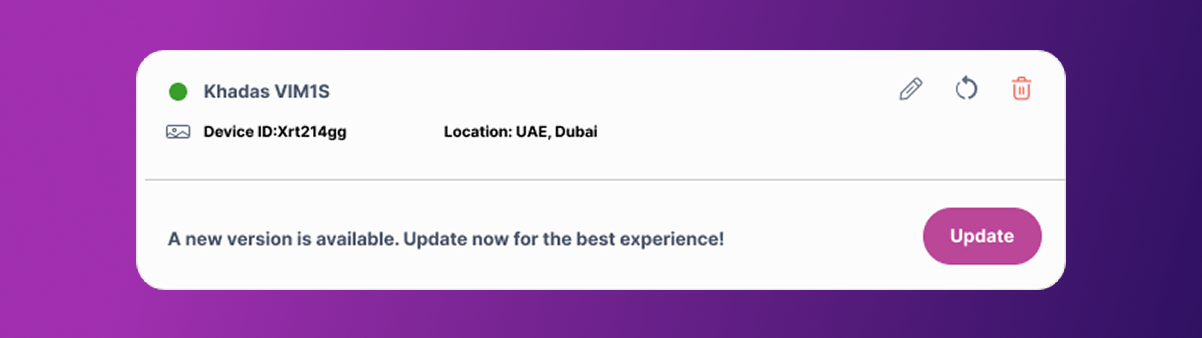
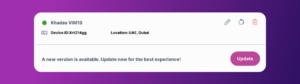 To ensure you’re getting the latest features, improvements, and performance boosts, make sure your device is always up to date! Here’s how to update depending on your setup: LG (WebOS) Samsung (Tizen) Android If You’re Using a BuzzBox: 1. Go to the Admin Panel > Devices 2. Check for any available updates listed for your… Read more: 🔄 How to Update Your Device for the Best Buzzblender Experience
 - How to Connect a Device
 LG (WebOS) For LG Commercial Displays use this guide Samsung (TizenOS) Install the BuzzBlender App to your Samsung deviceContact us at support@buzzblender.com to get the latest version of the app, or download the app from the Samsung Content Store on your TV For Samsung Commercial Displays use this guide Android Devices (AOSP) Or use this… Read more: How to Connect a Device
 - How to Get the Digital Signage Software for Free
 We’re excited to offer you a free 14-day trial! Enjoy features like playlist creation, remote content management for multiple screens, QR code overlay, and much more. You’ll be able to create designs for your digital signage, schedule them at convenient times, and enjoy a revenue boost by leveraging this new marketing channel. Simply email us… Read more: How to Get the Digital Signage Software for Free
 - How to Sign Up and Get Started
 Congratulations on your decision to increase sales by using Digital Signage Buzzblender. We transform commercial displays into powerful marketing tools. 1. Visit Our Admin Panel Go to https://app.buzzblender.com/. 2. Sign Up for an Account If you don’t have login credentials, Sign up 3. Verify Your Email Address Check your inbox and follow the instructions to… Read more: How to Sign Up and Get Started
 - How to Create a Playlist for Your Screen: A Guide to Boosting Revenue
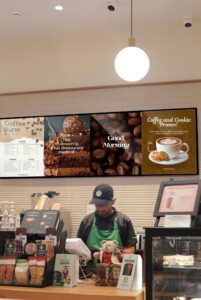 Create an account at: https://app.buzzblender.com 1. Log in to the BuzzBlender Admin panel. First things first, log in to your BuzzBlender account and head over to the main page. 2. Connect your device to the admin panel. 3. Open the Buzzblender app on your TV, or open a browser at Apple TV with url https://play.buzzblender.com 4. Enter… Read more: How to Create a Playlist for Your Screen: A Guide to Boosting Revenue
-
Installing Buzzblender Digital Signage on Your Samsung TV (TIZEN)
If you are using a Samsung TV (Tizen OS), download the app from Samsung Content Store. Search for “Buzzblender“. If you are using Samsung Signage Display (SSSP), refer to this guide. Or please contact us at support@buzzblender.com and we will help you install the app.
-
🔄 How to Update Your Device for the Best Buzzblender Experience
To ensure you’re getting the latest features, improvements, and performance boosts, make sure your device is always up to date! Here’s how to update depending on your setup: LG (WebOS) Samsung (Tizen) Android If You’re Using a BuzzBox: 1. Go to the Admin Panel > Devices 2. Check for any available updates listed for your…
-
How to Connect a Device
LG (WebOS) For LG Commercial Displays use this guide Samsung (TizenOS) Install the BuzzBlender App to your Samsung deviceContact us at support@buzzblender.com to get the latest version of the app, or download the app from the Samsung Content Store on your TV For Samsung Commercial Displays use this guide Android Devices (AOSP) Or use this…