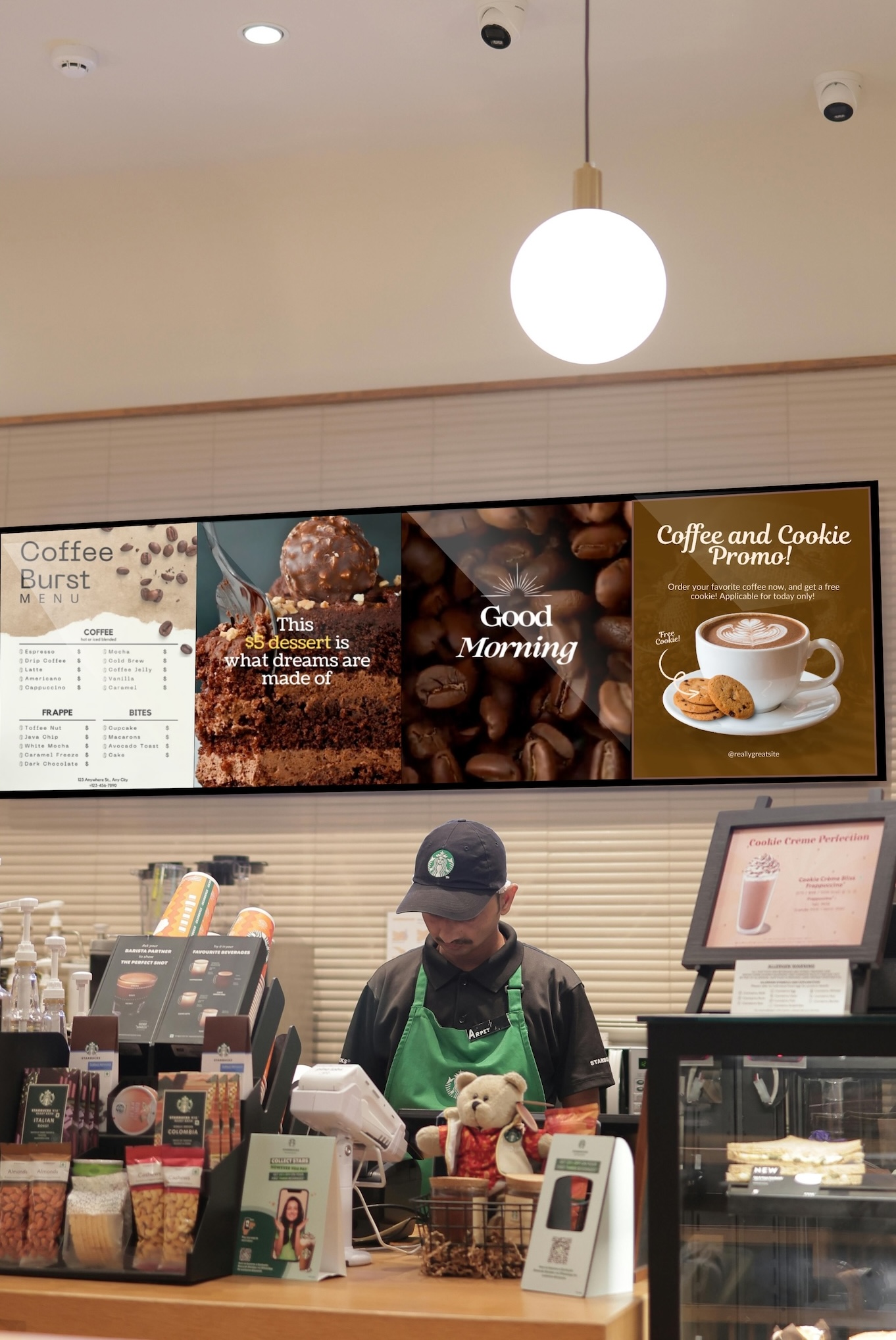
Congratulations on your decision to increase sales by using Digital Signage Buzzblender. We transform commercial displays into powerful marketing tools.
1. Visit Our Admin Panel
Go to https://app.buzzblender.com/.
2. Sign Up for an Account
If you don’t have login credentials, Sign up
3. Verify Your Email Address
Check your inbox and follow the instructions to verify your email.
4. Log In
Access the Admin Panel using your credentials.
5. Download the App for your Smart TVs:
Please refer to this article https://help.buzzblender.com/how-to-connect-a-device/
6. Install the App on Your TV
7. Connect the App to Your Admin Panel
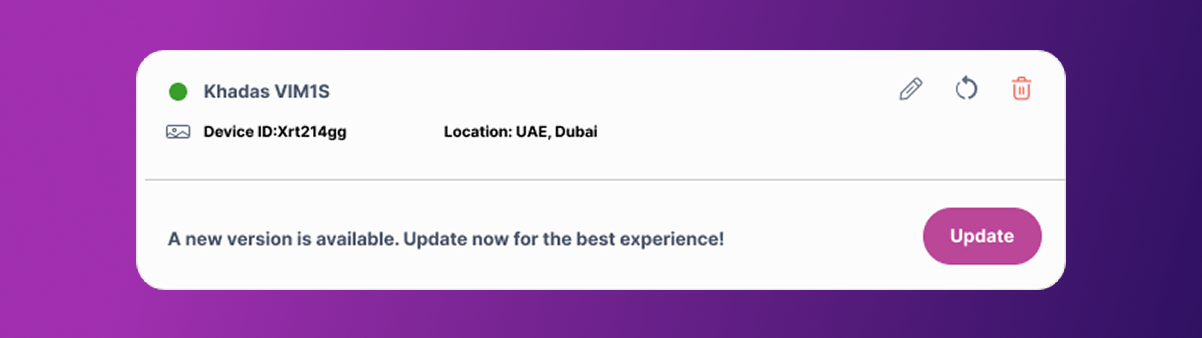
Enter the access code from your TV app to connect a device to your admin panel: https://app.buzzblender.com/device.
8. Create Your First Playlist
Start building your first playlist and begin showcasing your content.
If you have any questions, feel free to reach out to us at signup@buzzblender.com

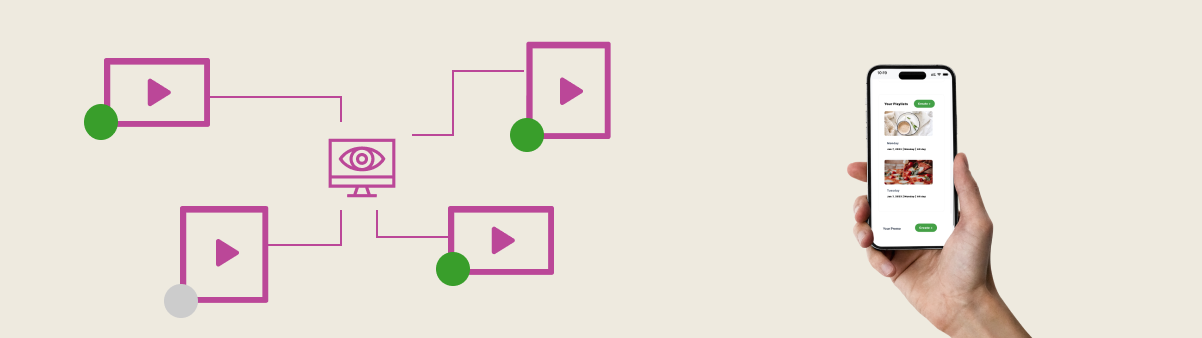
Use mobile version
Manage everything effortlessly from your mobile phone. Control your screens as easily as you navigate Instagram!
24/7 Customer Support
Get round-the-clock expert support to ensure your digital success, anytime, anywhere.


Leave a Reply